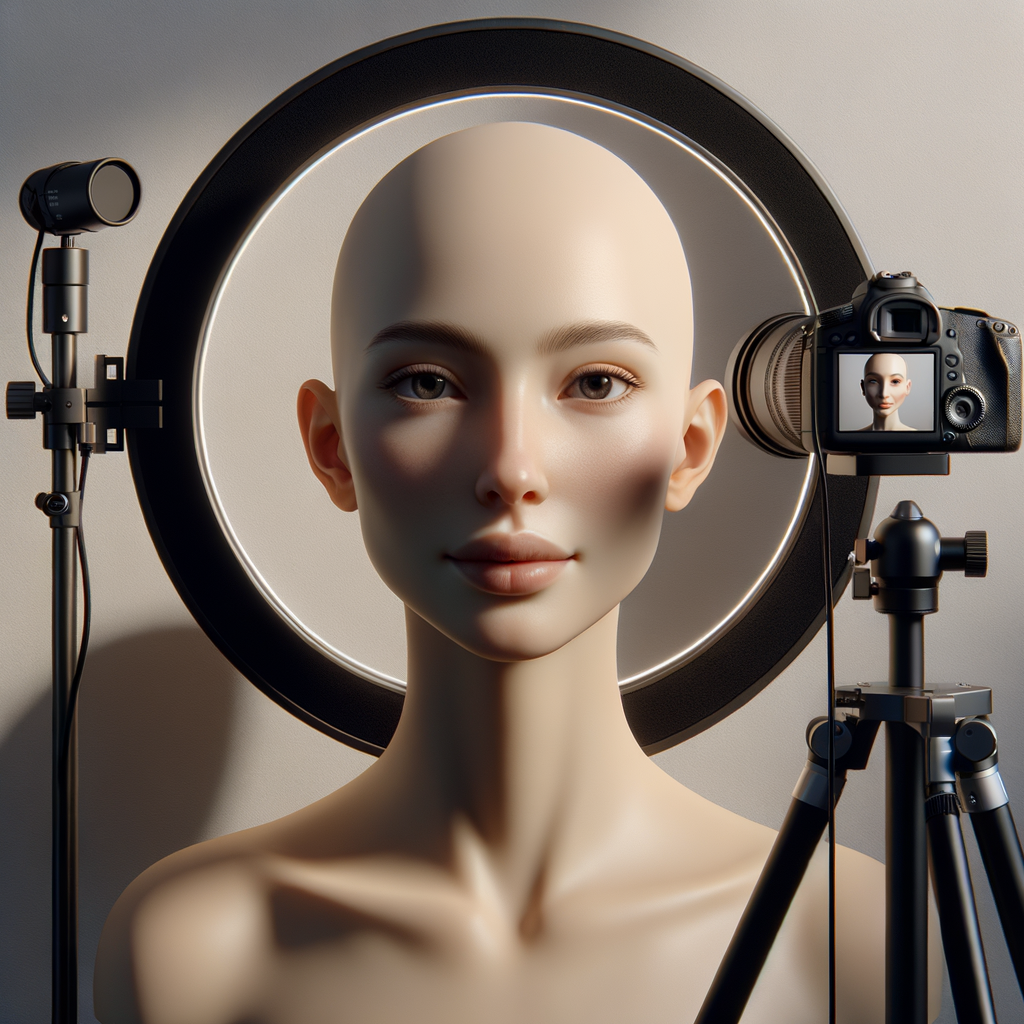
Lighting tips for realistic face swaps
Match lighting and angles for smoother blends.
Create realistic swaps with clean blends, fast previews, and export-ready results.
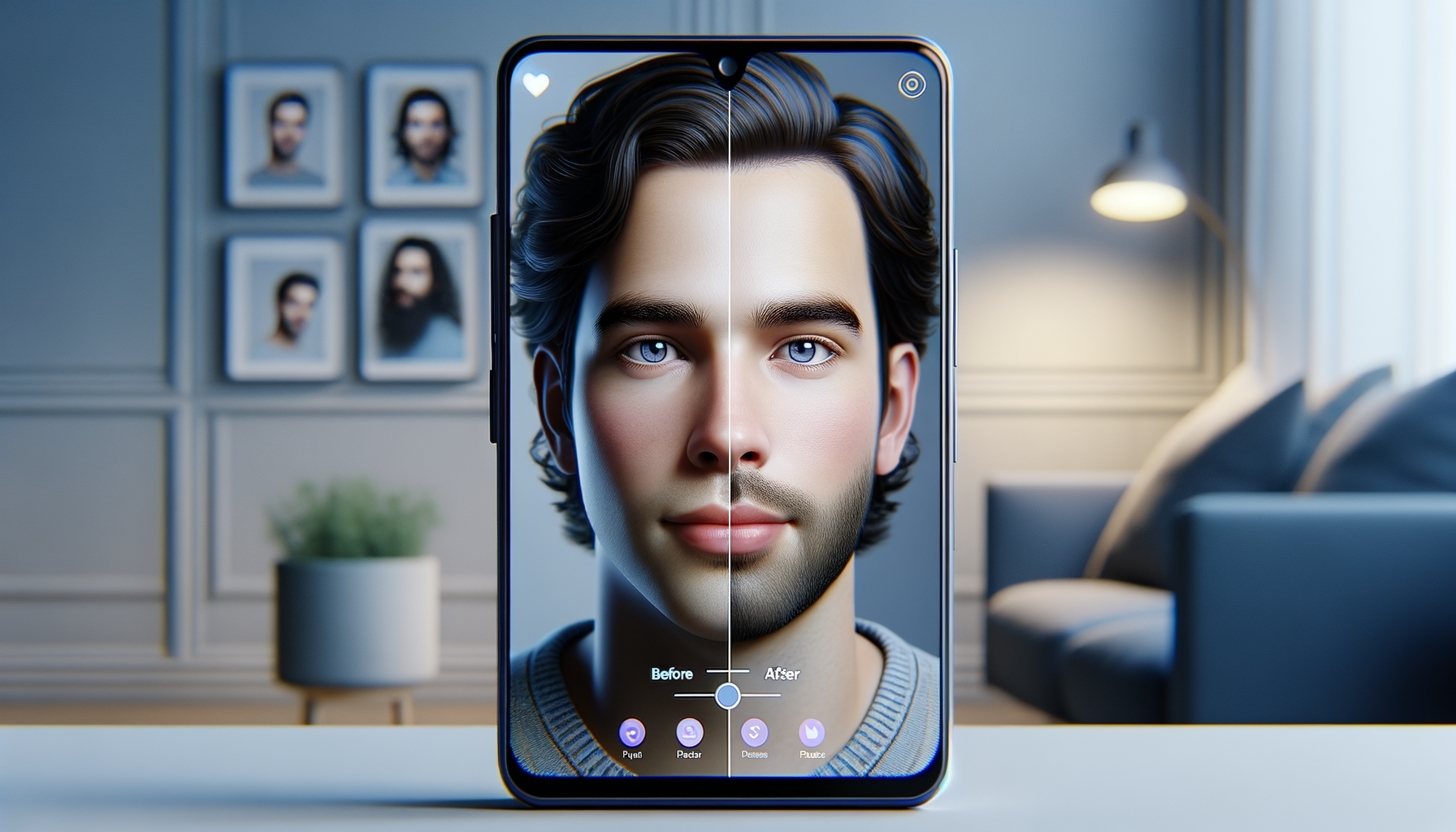
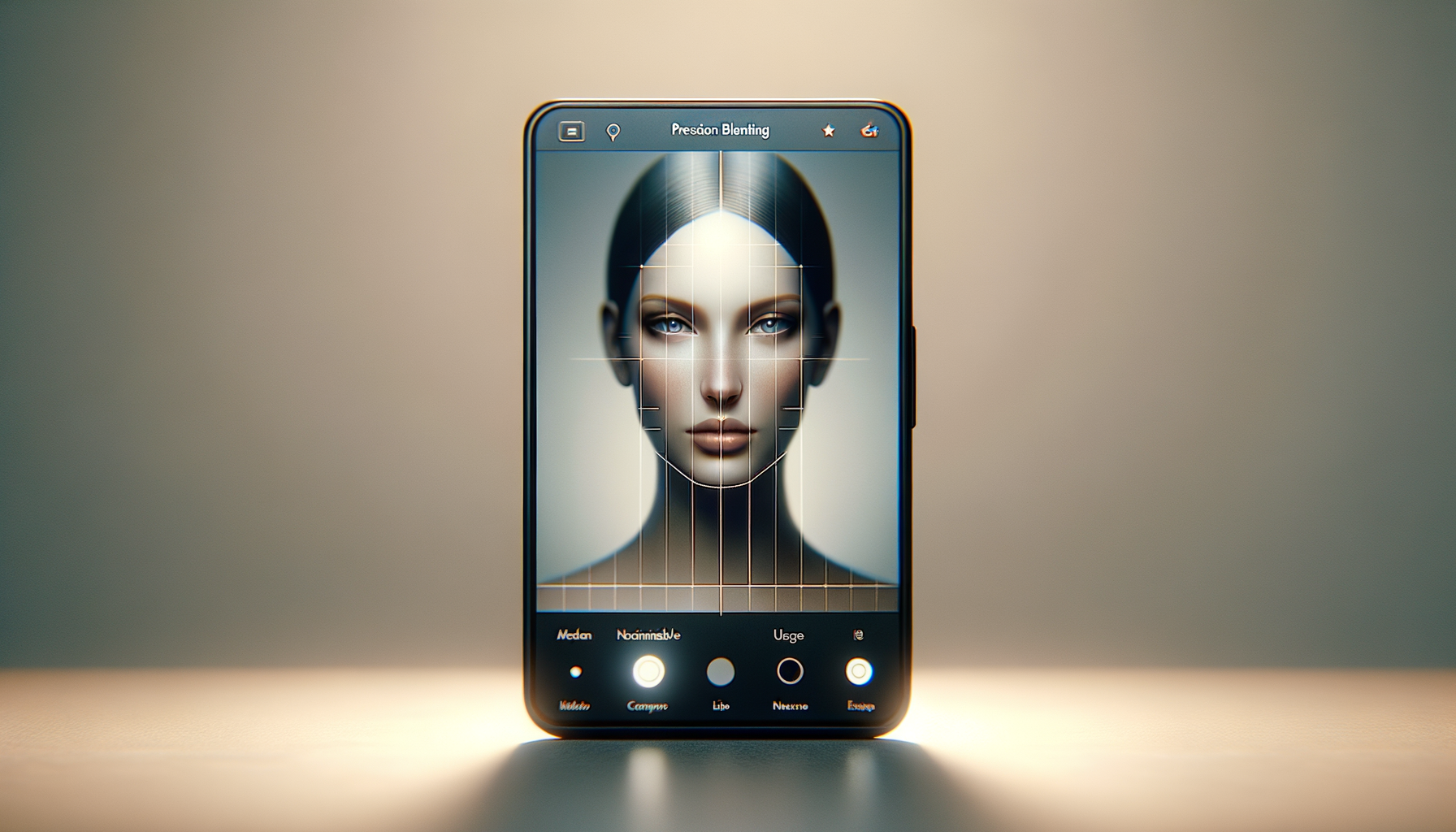
Blend skin tones and lighting for a natural face swap that doesn’t look pasted on.
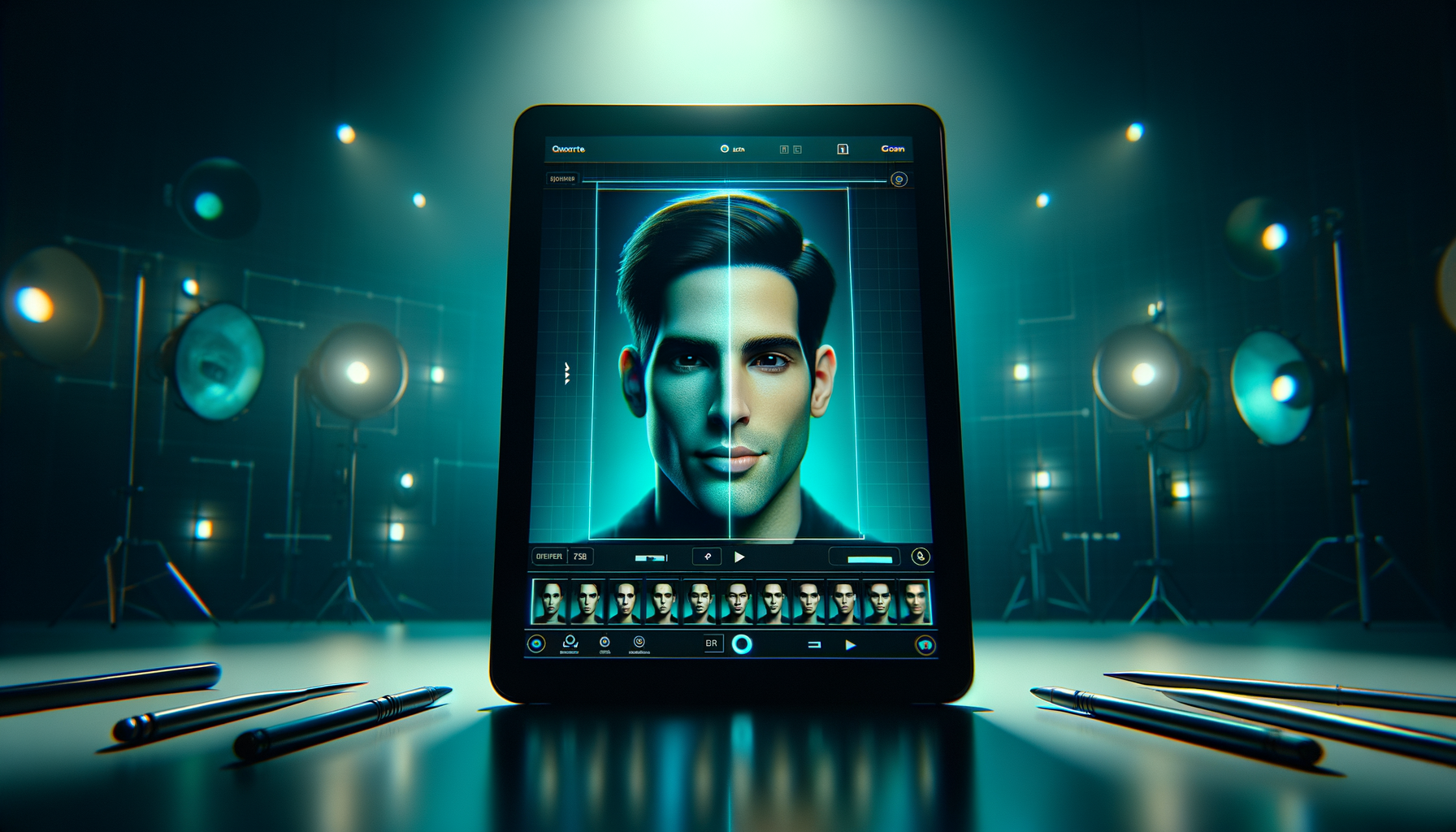
Swap faces across clips with stable alignment and smooth motion tracking.
Export in crisp quality for social feeds, reels, or private sharing.
Choose a photo or video and select the face you want to swap in.
Get a fast preview, refine placement, and adjust output quality.
Download your face swap result and share anywhere.
You can try face swap features for free with optional upgrades for higher export quality.
Yes, video faceswap is supported with motion tracking for smooth results.
Most photo swaps finish in seconds. Video times depend on clip length.
Face Swapper blends tones and lighting for a natural, believable output.
Your content is processed securely and you control what you save or share.
Match lighting and angles for smoother blends.
Stabilize motion and pick high-resolution sources.
Choose the right codec for social sharing.

Keep your media secure with simple steps.
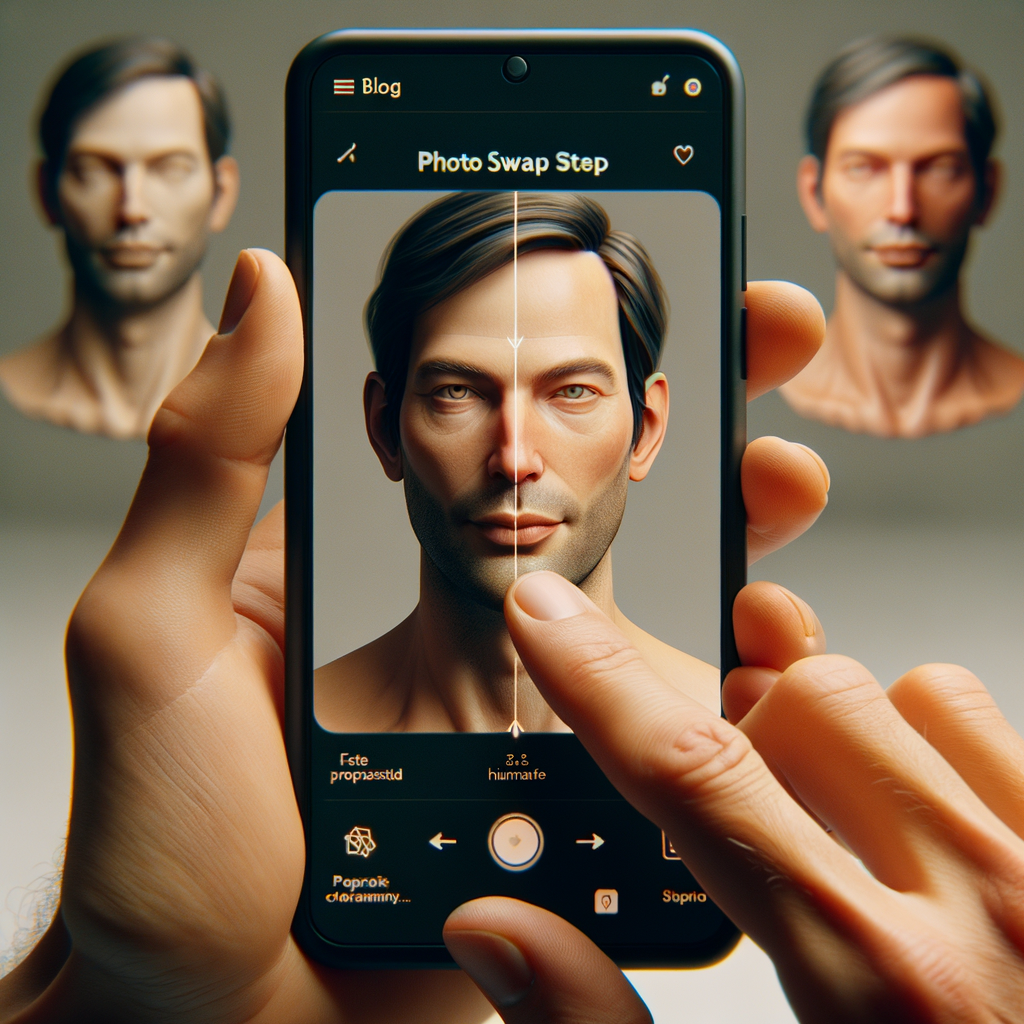
Quick guide to creating a clean photo face swap.
Download Face Swapper and create your first face swap in minutes.
Download on the App Store